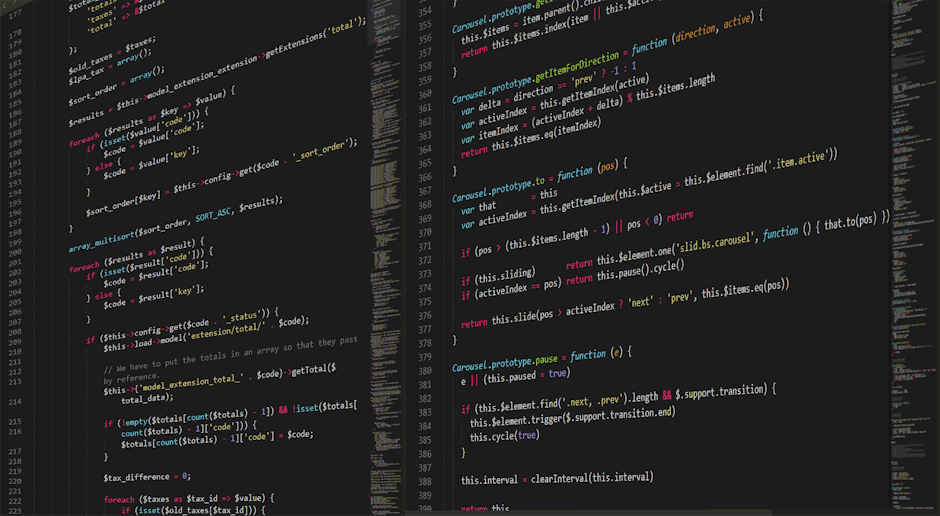
VS Code AI Setup: Copilot, Cursor & Extensions is an essential skill for modern operators. This guide covers everything you need to get started.
What You Need to Know
VS Code is the most popular code editor for AI development — its extension ecosystem, integrated terminal, and AI coding tools make it the professional's choice for building AI applications.
With the right extensions, VS Code becomes an AI-native development environment: Cursor integration, GitHub Copilot, REST client for API testing, Python environment management, and Git all in one place.
Operators who set up VS Code properly write code faster, catch errors before running, and build AI applications more efficiently than those using basic text editors or online environments.
Getting Started: Step by Step
- Install VS Code and core extensions — Download from code.visualstudio.com and install Python, GitLens, REST Client, and Prettier extensions.
- Set up your Python environment — Install the Python extension, select your virtual environment interpreter, and configure linting.
- Configure AI coding assistance — Install GitHub Copilot or switch to Cursor (AI-native VS Code fork) for in-editor code generation.
- Set up environment variable management — Install the .env extension to get syntax highlighting and validation for your secrets files.
- Master essential VS Code shortcuts — Learn Cmd/Ctrl+P (file search), Cmd/Ctrl+Shift+P (command palette), and Cmd/Ctrl+` (terminal toggle) for speed.
Key Tools
- VS Code — Free, open-source code editor with the largest extension ecosystem for AI development.
- Cursor — AI-native VS Code fork with deep codebase understanding and code generation built in.
- GitHub Copilot — AI coding assistant extension for VS Code that generates code from natural language prompts.
The operators who move fast on this don't wait for perfect conditions. They start, iterate, and improve. Come build with us at skool.com/aiguerrilla.
Ready to Go Deeper?
Join 150+ operators applying AI in the real world. Free community, real results.
Join AI Guerrilla Free →Next Steps
The best way to go deeper is to join fellow operators at skool.com/aiguerrilla — a free community where hundreds of practitioners share what's actually working.